
Stickers
Find it, copy it
Browse Popular, NEW, Recent, or categories, or search by keyword. Copy the stickers you like as images or save them to your gallery.
Stickers · symbols · photo decorating
Find cute stickers and symbols and copy them in a tap, then decorate your photos with stickers, text, decorating materials, and brushes. Turn your own photos into stickers, or take turns decorating one photo with friends.
Just added

What you can do
From finding stickers to decorating photos, decorating with friends, and chatting, it all happens in one app.
Browse Popular, NEW, Recent, or categories, or search by keyword. Copy the stickers you like as images or save them to your gallery.
Browse and search symbols by category to dress up nicknames, profiles, and messages. Just tap one and it's copied.
Pick a photo from your camera or album and decorate it with stickers, text, decorating materials, brushes, 30 photo filters, and cropping. Hide what you want with the mosaic and blur brushes, and make stickers from your own photos. Keep works in progress in the Archive and pick them up later.
Fill multi-slot frames with your photos and adjust their position and zoom. You can also use the photo booth to shoot each slot in turn along with a countdown. Save the finished frame or keep decorating it.
Create a room, invite friends with an invite link or 6-character code, and take turns decorating one photo. Use not just stickers but text, decorating materials, drawing, and filters, and leave emoji reactions on the parts you like. When it's done, replay how it was made from the very beginning.
A space to talk with people who speak your language. Messages with banned words are hidden automatically, and you can report messages that bother you and block users.
Save stickers, symbols, and frames to favorites and sort them into folders. They're stored in your account, so they stay even when you switch devices.
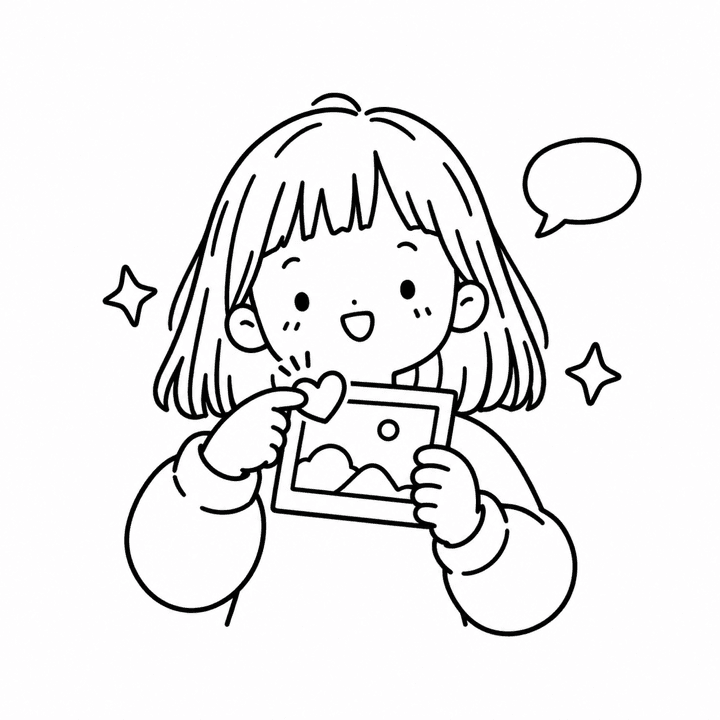 Explore features
Just added
From washi tape to stickers made from your own photos and widgets, here's what we've added lately.
Add washi tape, labels, date stamps, memos, and speech bubbles, then change their pattern, color, and text.
Brush over anything you want to hide, like faces, names, or addresses.
Warm, film-like, black and white. Change your photo's mood with 30 filters.
Cut out just a person or object from a photo to make your own sticker. It's processed on your device and works on iPhone and iPad with iOS 17 or later.
Keep several works in progress and pick them up later, and find them again by date on the calendar.
Pick a matching combination of font, outline, and background band in one tap.
Fill each frame slot in turn, shooting along with a countdown.
Put a Sticker Decor widget on your home screen and send stickers right from iMessage conversations on iPhone.
How it works
Browse Popular, NEW, and categories, or search to find the stickers and symbols you like.
Open a photo and add stickers and decorating materials, then decorate with text and brushes, or fill a frame with your photos.
Save finished photos to your gallery, and copy stickers to paste straight into messages or social apps.
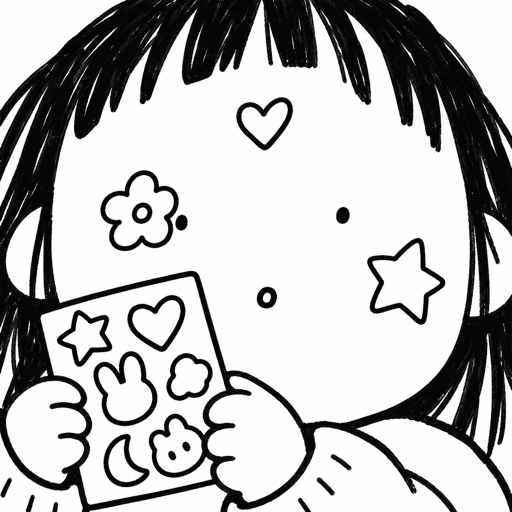
Decorate Together
Create a room, upload a photo, and send an invite link. Everyone who joins takes turns adding stickers, text, decorating materials, and drawings. Save the photo you finished together, and replay how it was made from the very beginning.
Wherever you are
Both the app and this website support 20 languages. Change the app language in Settings, and the Chat room opens separately for each language.
Questions
Yes. Sticker Decor is currently free to use, and there are no in-app purchases.
Yes. Choose “Browse without signing in” and you can copy stickers and symbols, decorate on your own, and use frames right away. Anything you make while browsing is saved only on your device. Decorate Together, the Chat room, and favorites need an account, so that's when you sign up with email, Google, or Apple (iPhone and iPad).
Learn moreChildren under 14 can't sign up, so they can't use features that need an account, such as Decorate Together and the Chat room. We check that you're 14 or older when you sign up.
Learn moreTapping Save puts them in your phone's photo gallery. Tapping Copy puts the sticker on your clipboard as an image, so you can paste it into any messaging or social app that supports image pasting. Works in progress are kept in the Archive and stickers made from your photos in My stickers, both only on your device.
Yes. Pick a photo in Decorate and you can cut out just a person or object to make your own sticker. The cutout is processed on your device, and your photo is never sent to our servers. On iPhone and iPad, iOS 17 or later is required.
Up to 8 people per room. Tap the invite link a friend sent or enter the 6-character invite code to join before decorating starts. Once it starts, you take turns adding stickers, text, decorating materials, and drawings. You'll see on screen when it's your turn.
Yes. In the Chat room or a room chat, long-press a message or tap the ⋯ button to report or block. Text that others can see is hidden automatically if it contains banned words. You can unblock anyone at any time in Settings > Blocked users.
Go to the Settings tab, tap Delete Account at the very bottom, and confirm it's you. Your account data such as favorites, profile photo, Chat room and room chat messages, and report and feedback records is deleted and can't be recovered.
Learn moreThe sticker and frame images in the app are for personal use only; commercial use is not allowed.
Install Sticker Decor and add your very first sticker.